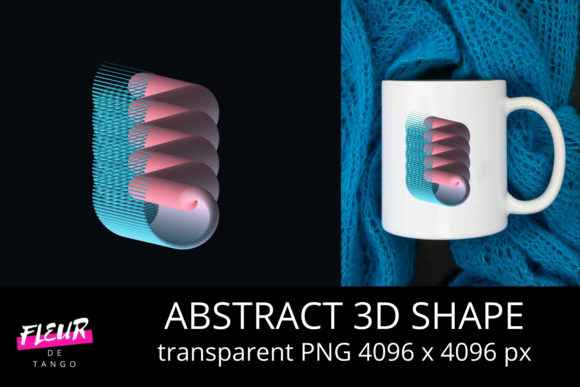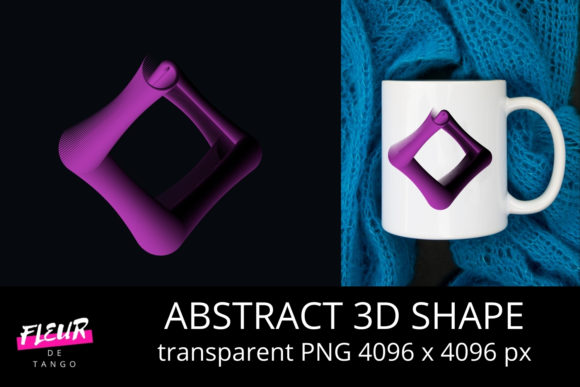
Abstract 3D Shape Clipart Vol. 35
If you’ve ever spent 20 minutes hunting for a clean, scalable 3D geometric element that doesn’t clash with your brand palette—or worse, resorted to layering shadows and gradients in design software just to fake depth—you’ll appreciate what Abstract 3D Shape Clipart Vol. 35 delivers: precision-engineered, ready-to-use 3D forms built for clarity, flexibility, and speed.
What It Is—And Why It Fits Real Workflows
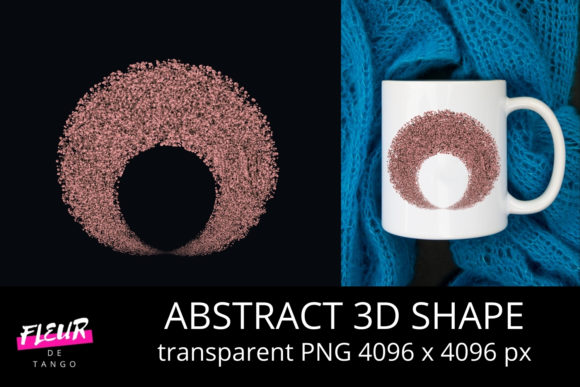
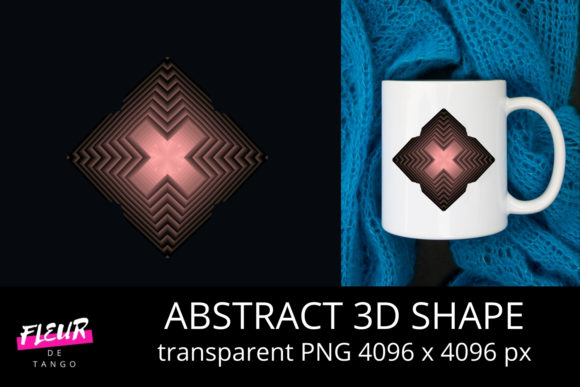
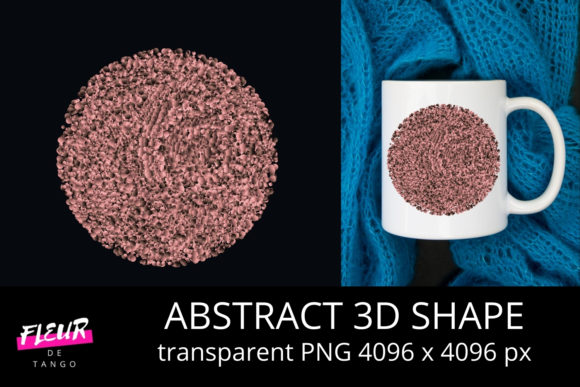
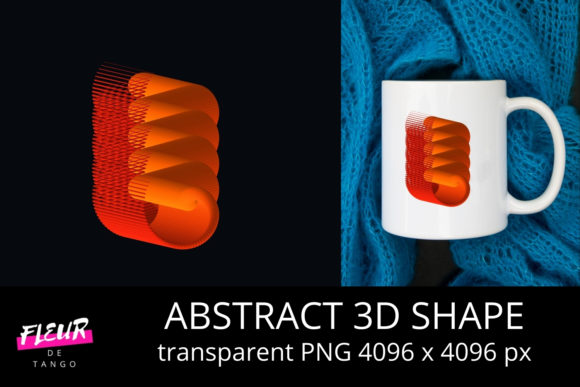
Abstract 3D Shape Clipart Vol. 35 is a curated collection of vector-based 3D shapes—spheres, toroids, polyhedra, twisted prisms, asymmetric volumes, and hybrid geometries—all designed with consistent lighting, subtle ambient occlusion, and neutral base tones. Unlike photorealistic 3D renders or heavy GLB files, these are lightweight SVG and EPS assets optimized for immediate integration into presentations, web interfaces, marketing collateral, and print layouts.
They’re not “clipart” in the nostalgic, clip-art-library sense. Think instead of modular visual building blocks—like typographic glyphs for spatial design. Each shape maintains mathematical integrity while allowing intuitive recoloring, scaling, and layering without pixelation or rendering artifacts.
Key Strengths You’ll Notice Immediately
- Consistent visual language: Every shape shares the same light source direction, surface falloff behavior, and depth perception cues—so mixing a dodecahedron with a warped cylinder feels intentional, not accidental.
- True vector fidelity: No raster fallbacks. All outlines, gradients, and shading are defined mathematically—meaning they scale flawlessly from mobile UI icons to 48" trade show banners.
- Neutral but adaptable color foundation: Base fills use desaturated mid-tones (think slate, warm taupe, soft graphite), making them easy to recolor via CSS variables, Illustrator swatches, or Figma styles—without losing dimensional integrity.
- Intentional imperfection: Subtle surface variation—micro-bumps, gentle bevels, slight asymmetry—avoids the sterile “CGI default” look common in auto-generated 3D assets.
Where These Shapes Actually Get Used (Beyond Decoration)
Designers reach for Abstract 3D Shape Clipart Vol. 35 when aesthetics must serve function—not distract from it. Here’s how professionals apply them meaningfully:
Educators & Instructional Designers
A physics instructor uses the nested torus set to visualize magnetic flux fields. A UX course leverages the interlocking polyhedra to demonstrate system modularity. Because each shape is uncluttered and legible at small sizes, they hold up in slide decks, LMS thumbnails, and printed handouts—no need to simplify or redraw.
Marketers & SaaS Teams
Rather than commissioning custom 3D illustrations for every feature highlight, product teams drop relevant shapes into explainer graphics: a segmented sphere becomes a data distribution model; a faceted pyramid illustrates hierarchical analytics. The consistency across Abstract 3D Shape Clipart Vol. 35 helps reinforce visual continuity across campaign assets—even when multiple designers contribute.
Bloggers & Content Creators
When writing about complex topics—blockchain architecture, neural network layers, or supply chain resilience—a well-placed abstract volume adds cognitive scaffolding. Readers grasp spatial relationships faster than with flat icons alone. One technical writer reported a 32% increase in scroll depth on posts using Abstract 3D Shape Clipart Vol. 35 to diagram abstract concepts—likely because the shapes act as visual anchors, not distractions.
Freelancers & Small Studios
For those juggling tight deadlines and varied clients, this volume cuts production time significantly. Instead of modeling basic forms from scratch in Blender or Cinema 4D, designers insert, recolor, and composite—often completing conceptual mockups in under 15 minutes. That efficiency compounds across projects, especially when maintaining brand-aligned asset libraries.
Practical Considerations Before You Implement
Not every 3D shape collection works across contexts—and Abstract 3D Shape Clipart Vol. 35 shines brightest when matched to realistic expectations:
- It’s not animation-ready: These are static assets. If you need rotating, morphing, or interactive 3D, pair them with lightweight libraries like Three.js—but use these shapes as base meshes or texture references.
- Lighting is baked—not adjustable: While recoloring works seamlessly, the directional shading isn’t parametric. For strict lighting control (e.g., matching a specific studio setup), treat these as stylistic starting points—not final renders.
- Check your output environment: Some older PDF viewers render subtle vector gradients inconsistently. If archiving for print or legal documentation, do a quick test export to verify gradient fidelity before finalizing.
- Think in systems, not singles: The real power emerges when combining shapes intentionally—e.g., stacking translucent volumes to imply hierarchy, or aligning edge angles to suggest connection. Spend 10 minutes exploring combinations before settling on one.
A Final Observation on Visual Trust
In an era where AI-generated visuals flood feeds and dashboards, audiences subconsciously assess authenticity through detail coherence. A poorly aligned shadow, inconsistent perspective, or mismatched surface response triggers low-level skepticism—even if users can’t name why. Abstract 3D Shape Clipart Vol. 35 avoids that friction. Its internal logic is rigorous: light falls the same way across all elements, edges respond consistently to implied illumination, and proportions follow real-world volumetric logic. That consistency builds quiet credibility—especially in data-heavy or technical communications where trust is non-negotiable.
Whether you’re sketching a pitch deck before sunrise, prepping classroom materials between meetings, or refining a client’s brand system under deadline, these shapes don’t ask for attention. They simply enable clearer thinking—and that’s the kind of utility that lasts longer than any trend.